Disconnect Rust Internal
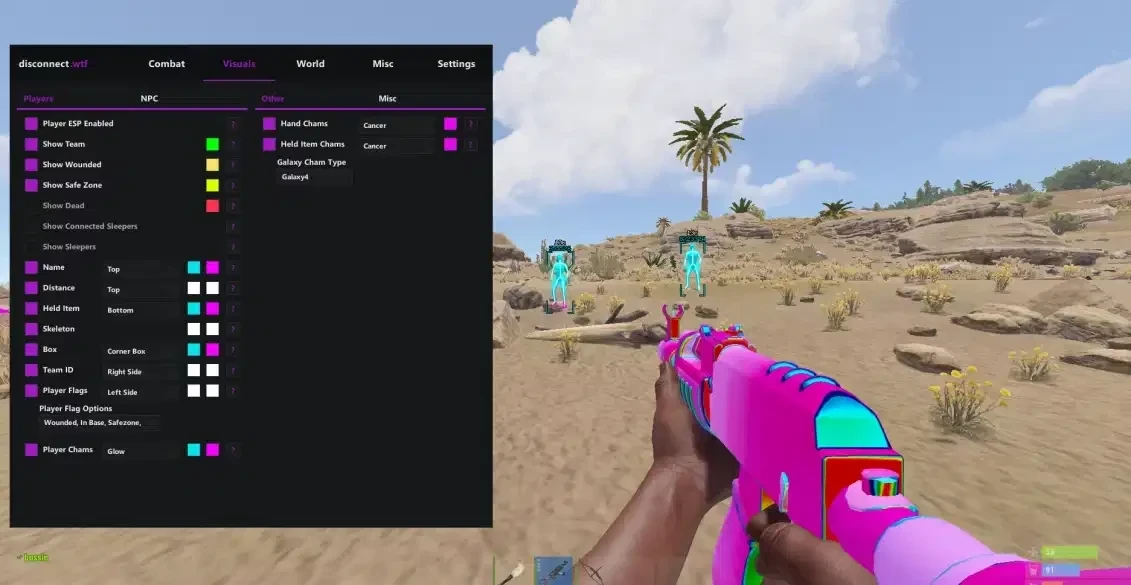
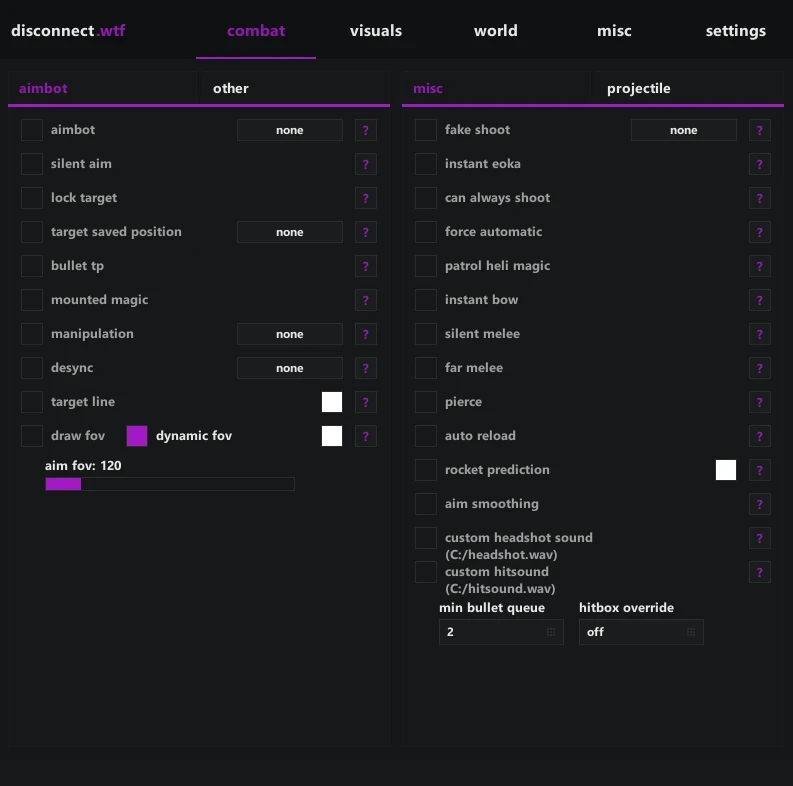
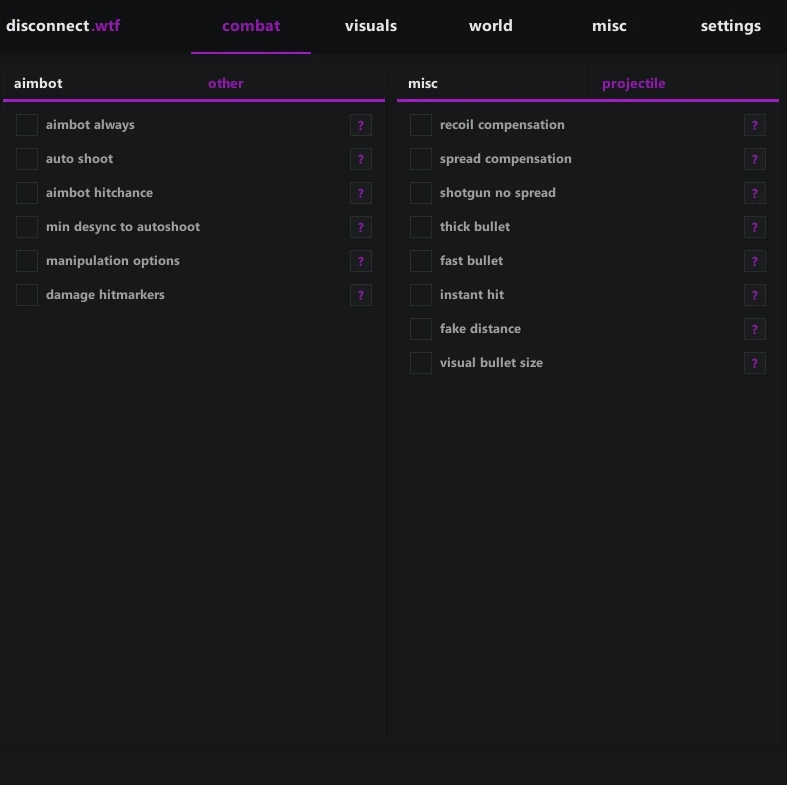
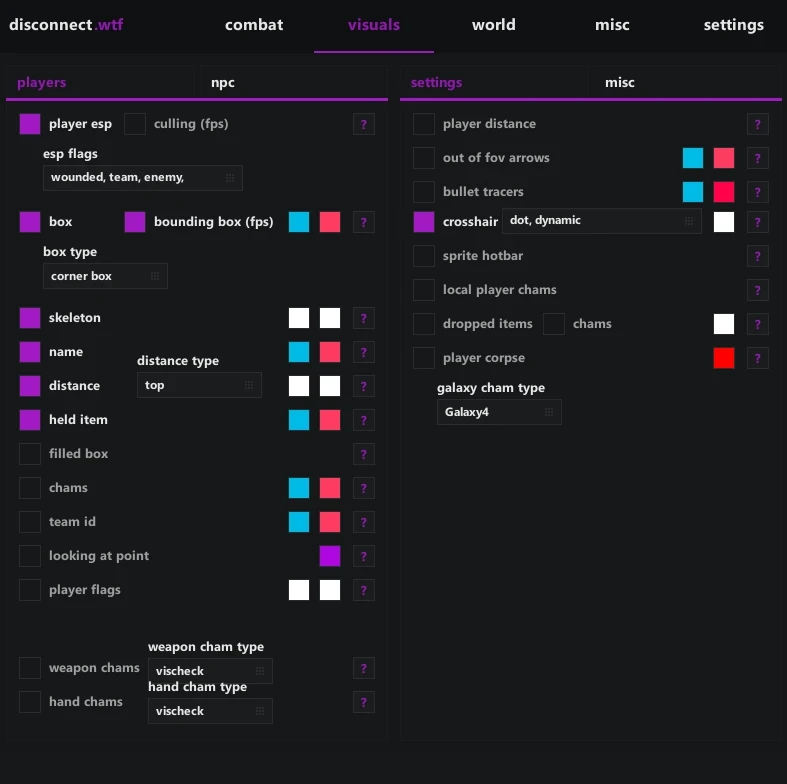
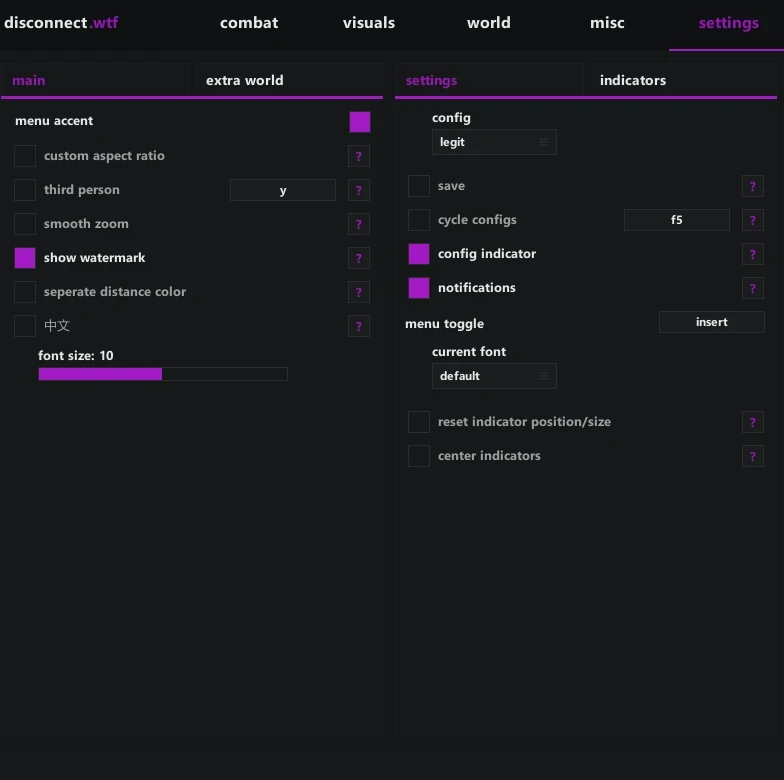
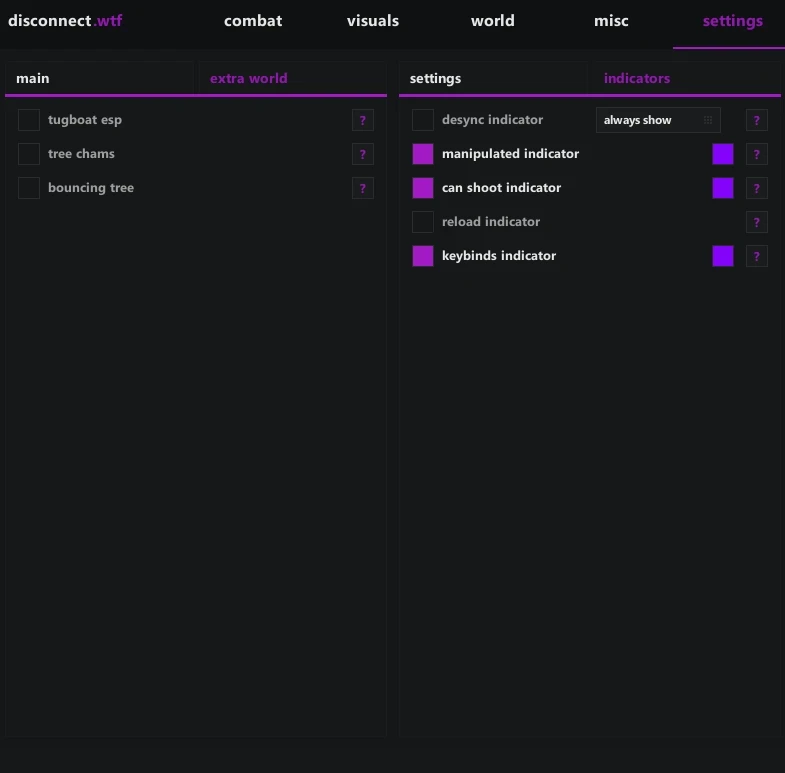
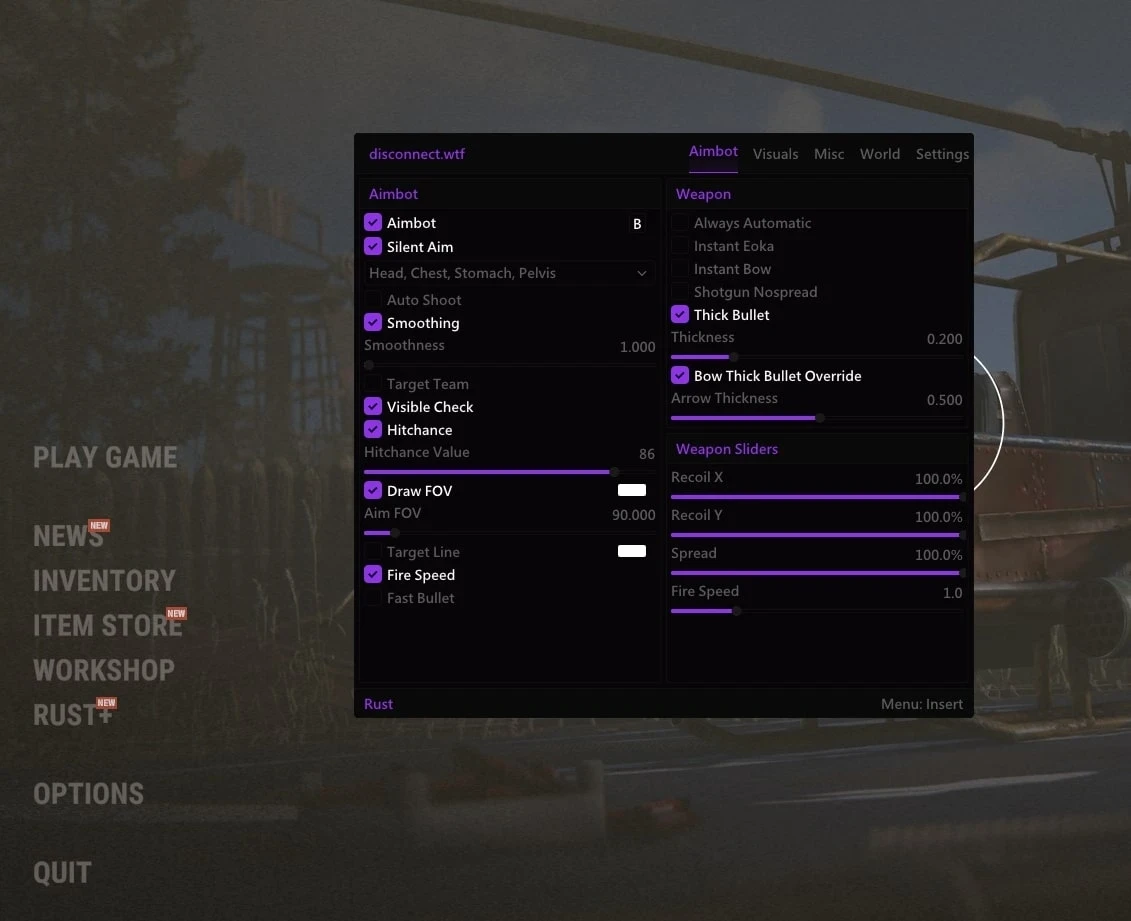
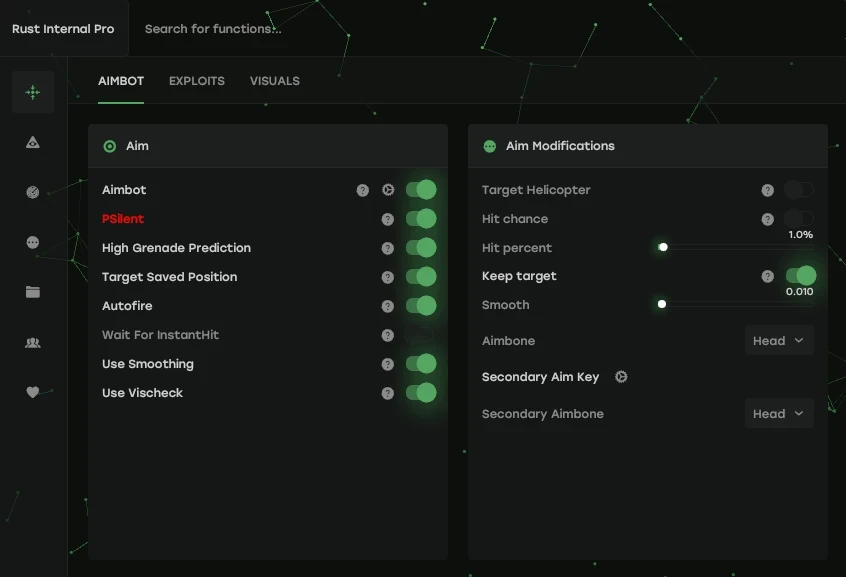
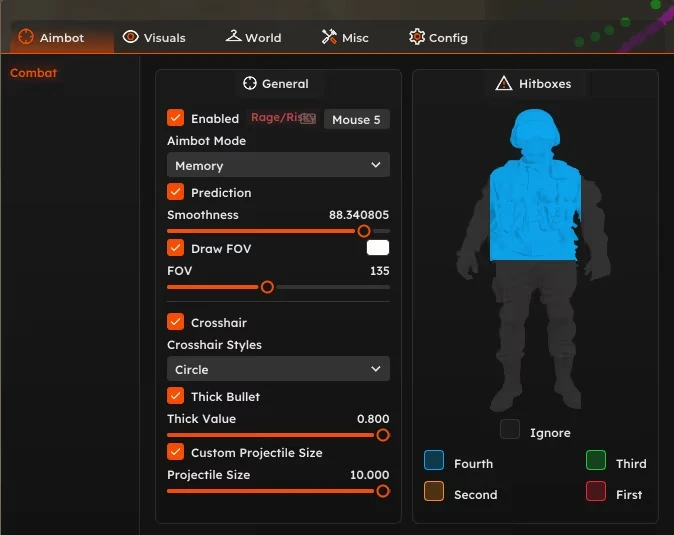
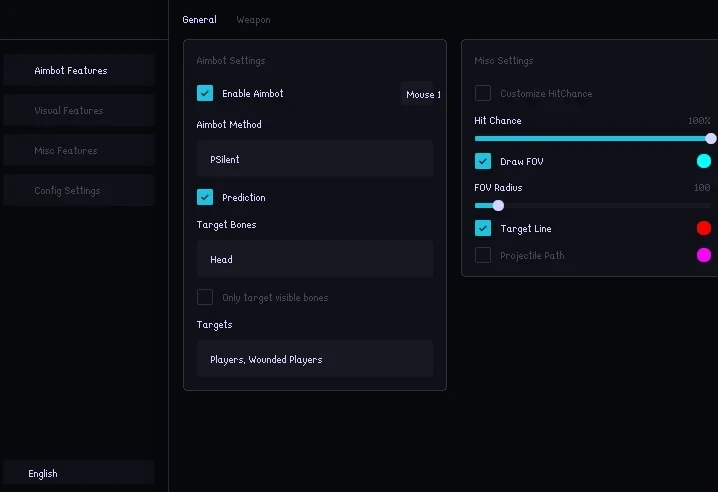
• Aimbot
- Aimbot Smoothing
- Aimbot Bones (Head, Chest, Stomach, Pelvis)
- > Smoothing Amount
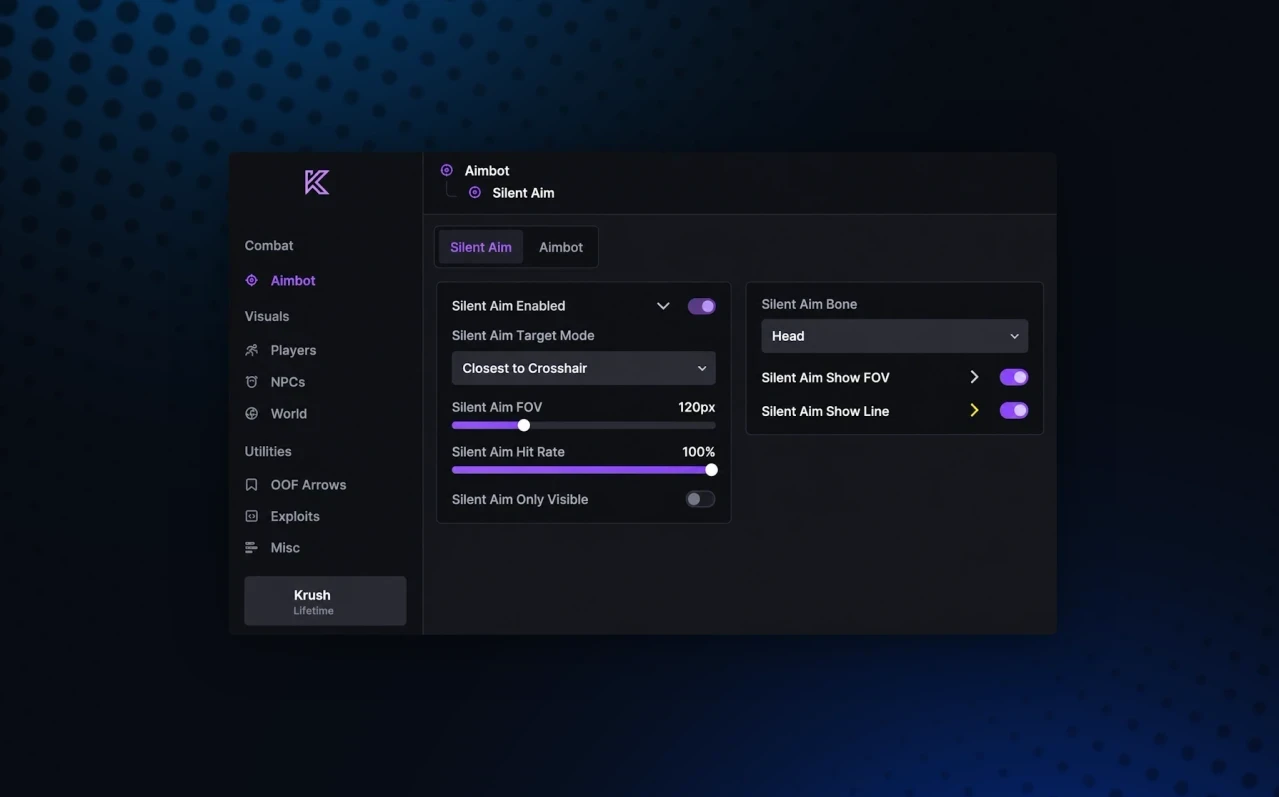
- Silent Aimbot
- Aimbot
- Auto Shoot
- Target Options (Target Wounded, Target Scientists, Target Sleepers, Target Team, Target Safezone)
- Aimbot Lock Target
- > Silent Aim Spread
- Bullet Teleport
- Target Behind Wall
- Desync
- Aimbot Visible Check
- Desync Auto Stop
- > Desync Amount
- Auto Shoot Options (Silent, Remove Animation, Rapid Fire, Normal Fire Speed)
- Instant Hit
• Misc
- Draw Target Line
- Dynamic FOV
- > Aimbot FOV
- Draw FOV
- Silent Aimbot Hitchance
- Pierce
- > Hitchance Amount
- No Team Damage
- Hit Material (None, Glass, Dirt, Wood, Flesh, Snow)
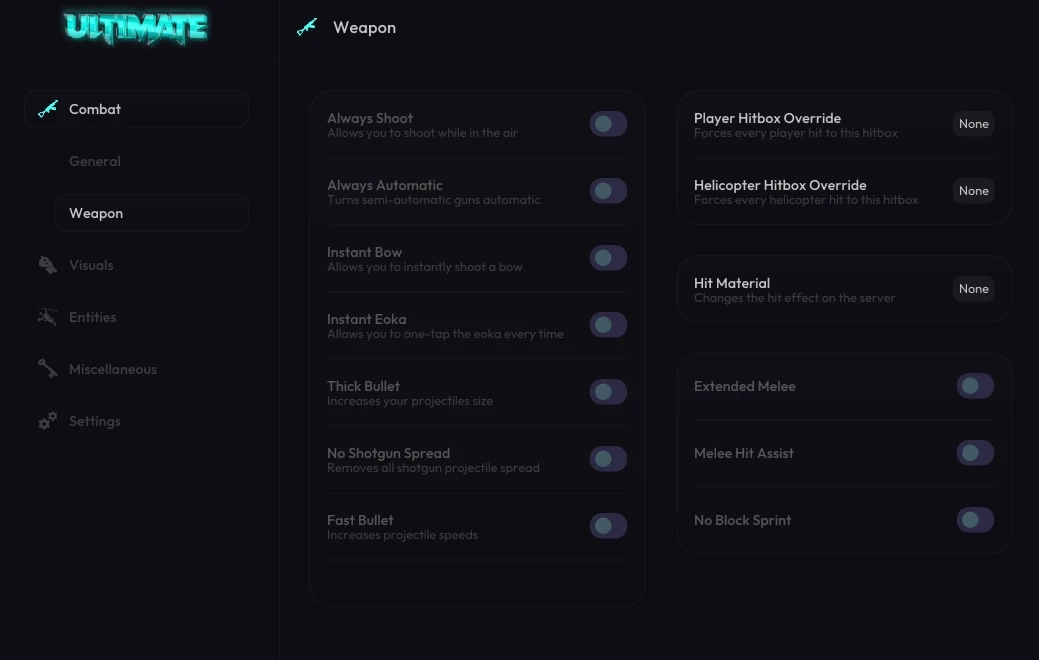
• Weapon
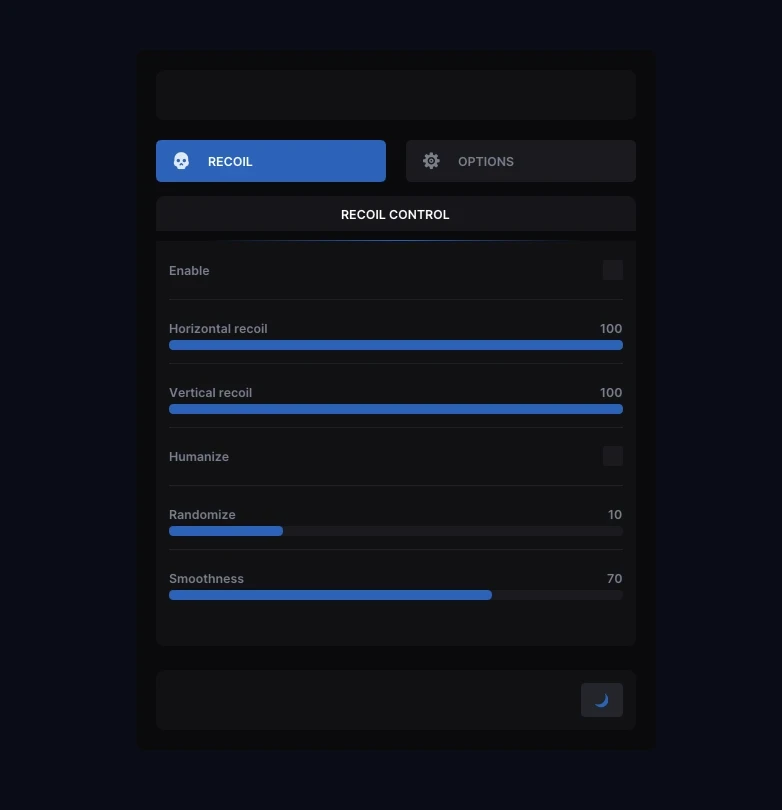
- > Recoil Y
- > Recoil X
- Spread Modifier
- Recoil Modifier
- Instant Bow
- Thick Bullet
- > Bullet Thickness
- Instant Eoka
- > Bullet Spread
- > Eoka Success Rate
- Legit Instant Eoka
- Auto Reload
- Force Automatic
• Players
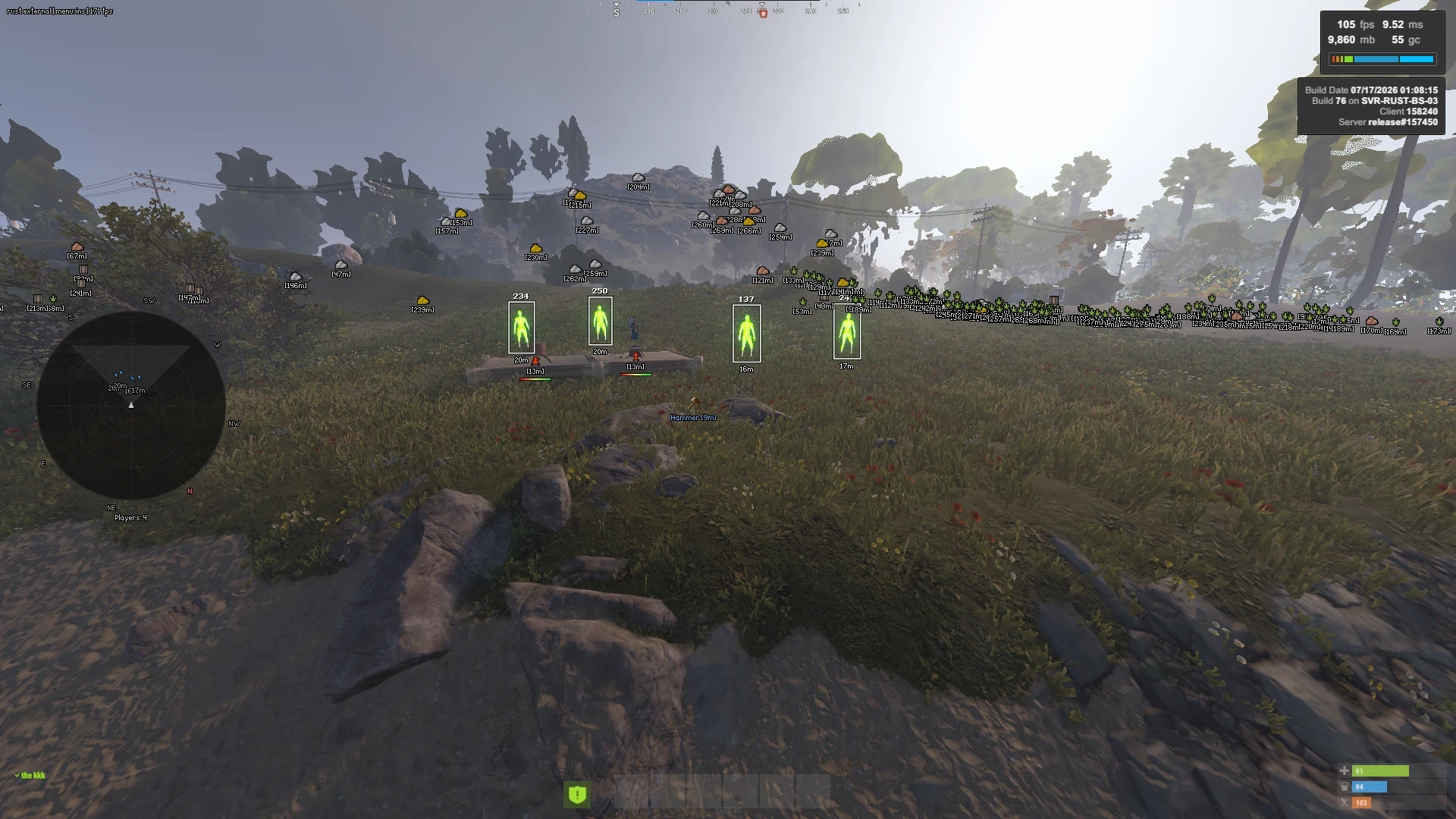
- ESP Filter
- Distance (Top, Bottom, Right Side, In-Name, Left Side)
- Held Item (Top, Bottom)
- Name (Top, Bottom)
- Player ESP Enabled
- Skeleton
- Player Flag Options (Wounded, In Base, Safezone, Mounted, Parented)
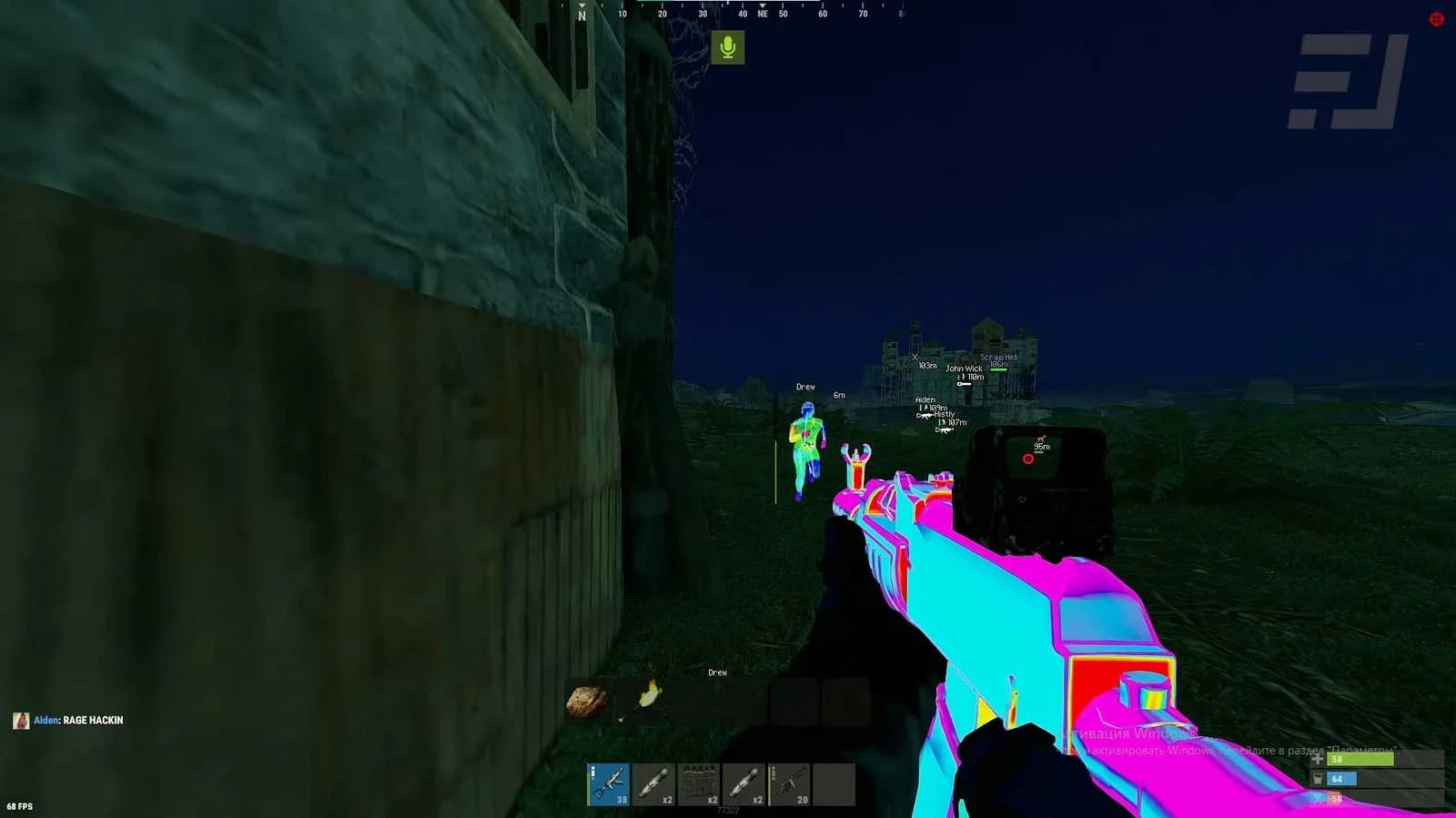
- Player Chams (11 Cham Options)
- Box (Full Box, Corner Box)
- Show Steam Profile Picture
- Team ID (Right Side, Bottom, Top, Left Side)
- Player Flags
- Team Cham Color
- > Player Max Distance
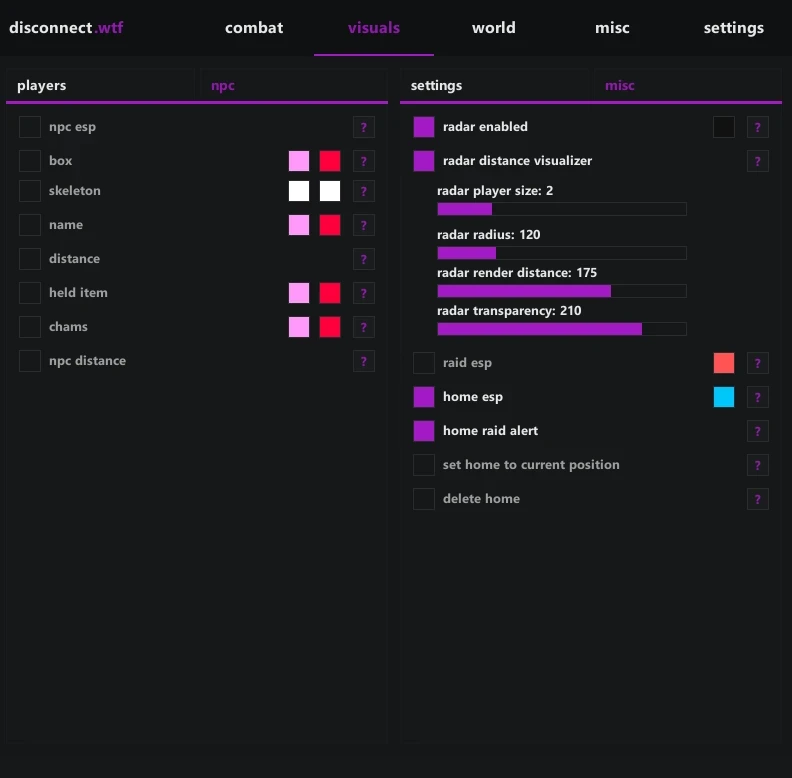
• NPC
- Held Item (Top, Bottom)
- NPC ESP Enabled
- Distance (Top, Bottom, Right Side, In-Name, Left Side)
- Name (Top, Bottom)
- Box (Full Box, Corner Box)
- > NPC Maximum Distance
- NPC Chams (11 Cham Options)
- Health Bar
• Other
- Hand Chams (11 Cham Options)
- Show Dormant Players
- Held Item Chams (11 Cham Options)
- > See-Through Intensity
- Show Dormant Player Bullets
- > Dormant Player Timeout
- Icon Hotbar
- OOF Arrow Options (Breathing, Static Color)
- OOF Arrows
- Icon Hotbar Options (Show Name, Show Durability, Show Item Amount)
- > Dormant Timeout
- Crosshair (Dot, CSGO, Plus, Cross)
- Crosshair Options
- > Crosshair Size
• Visuals Misc
- > Bullet Tracer Lifetime
- Bullet Tracers
- > Radar Player Size
- > Radar Size
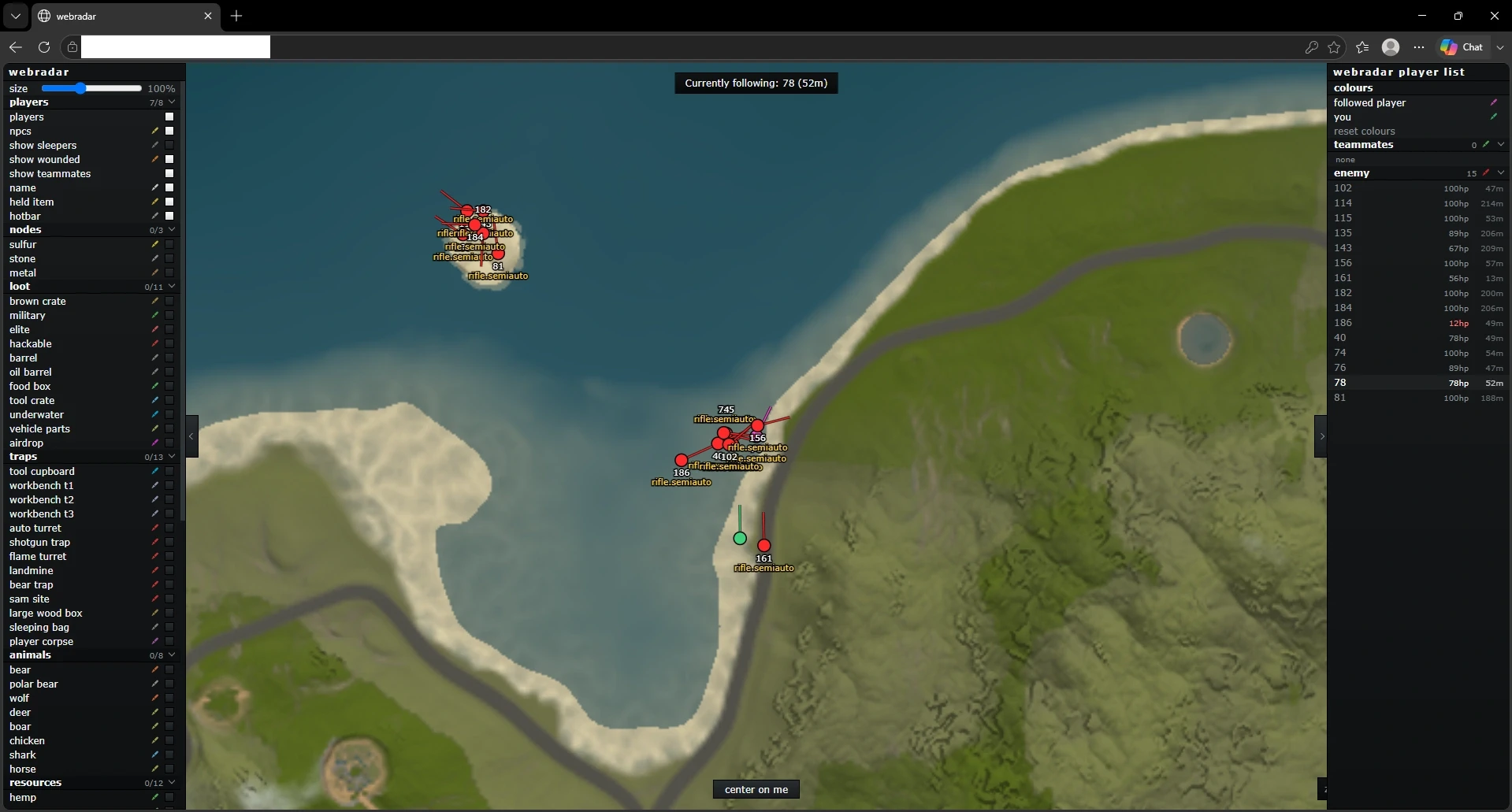
- Radar
- Radar Distance Visualizer
- > Radar Transparency
- Radar Auto Scale
- > Radar Render Distance
• Resources
- Hemp
- Sulfur Ore
- Metal Ore
- Stone Ore
- Sulfur Pickup
- Metal Pickup
- Pumpkin
- Stone Pickup
- Wood Pickup
- Mushroom
- Corn
- Food Crate
- Scrap Barrel
- Oil Barrel
- Potato
- Diesel
• Vehicles & Animals
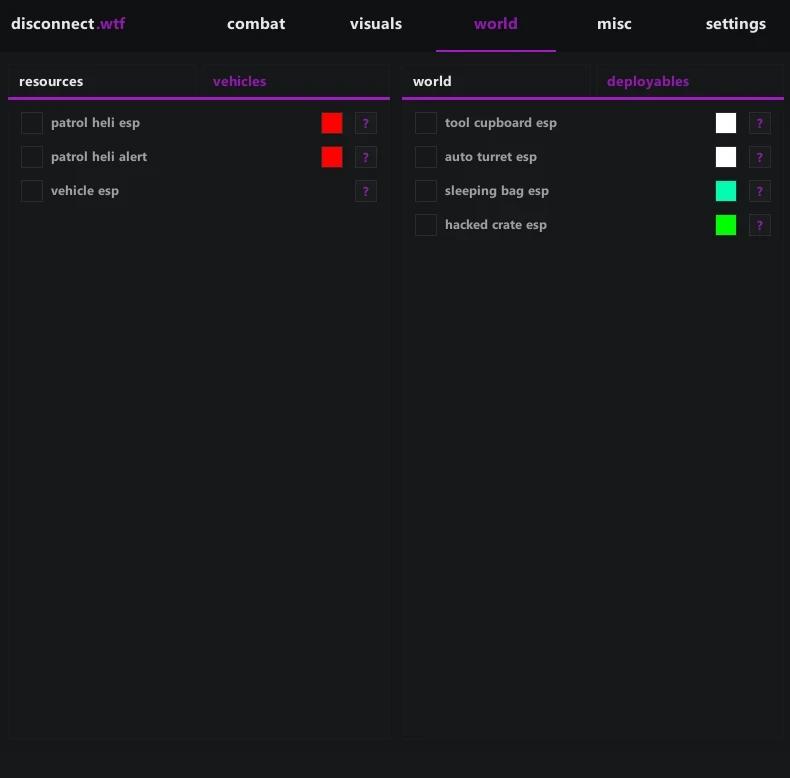
- Attack Helicopter
- Patrol Helicopter
- Scrap Helicopter
- Bradley
- Rowboat
- Minicopter
- RHIB
- Horse
- Crocodile
- Pedal Bike
- Bear
- Motor Bike
- Snake
- Boar
- Wolf
- Panther
- Tiger
- Shark
• World
- Large Backpack
- Small Backpack
- Dropped Item Chams (11 Cham Options)
- Dropped Weapons
- Corpse
- Bradley Crate
- Military Crate
- Basic Crate
- Hackable Crate
- Heli Crate
- Airdrop
- Tool Crate
- Elite Crate
• Deployables
- Auto Turret
- Shotgun Trap
- Landmine
- SAM Site
- Workbench Tier 2
- Workbench Tier 1
- Workbench Tier 3
- Tool Cupboard
• All World Features
- > Show Distance
- > Maximum Distance
• Main Misc
- Zoom
- > Zoom FOV
- Remove Layers
- FOV Changer
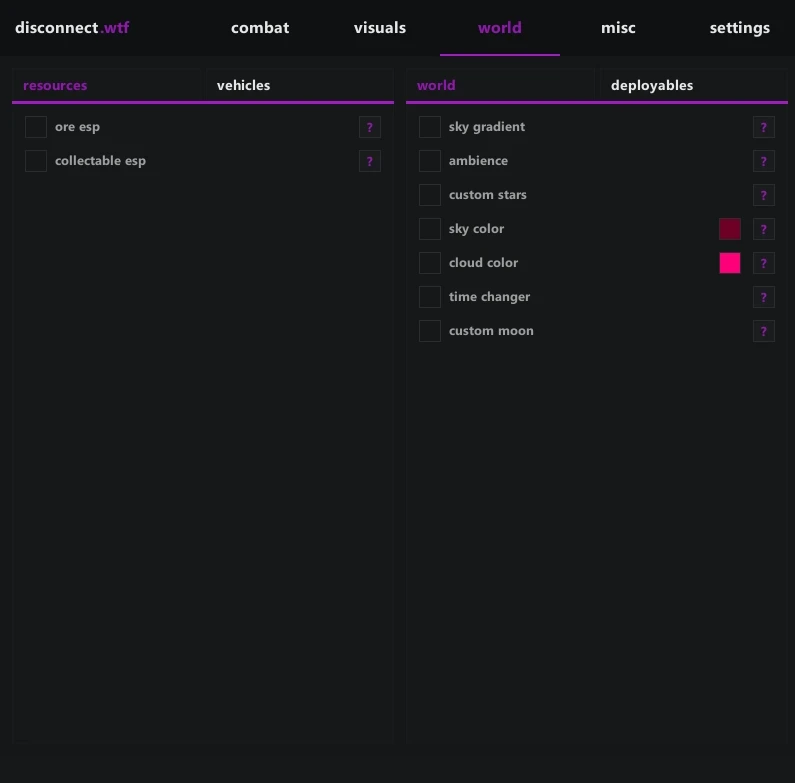
- Time Changer
- > Player FOV
- Bright Night Keybind
- > Time Of Day
- Bright Night
- Instant Loot
- Instant Revive
- Auto Revive Teammates
- Add/Remove Friend
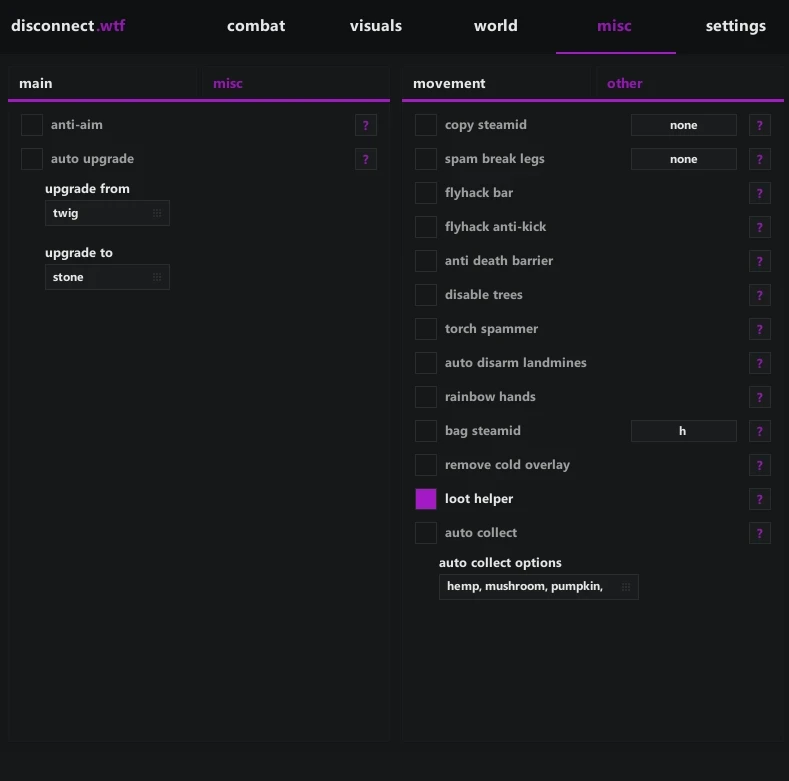
- Auto Pickup Collectable
- Add/Remove Enemy
- Enemy In Render Alert
- Auto Pickup Options (Hemp, Mushroom, Pumpkin, Corn, Potato, Wood, Stone, Metal, Sulfur)
• Main Misc 2
- No Fall Damage
- Flyhack
- > Flyhack Speed Normal
- Omni Sprint
- Shoot While Jumping
- > Flyhack Speed Slow
- Silent Walk Keybind
- Infinite Jump
- > Flyhack Speed Fast
- No Player Collision
- Spam Break Legs
- Debug Camera While Dead
- Copy Steam ID
- Bag Steam ID
- Debug Camera
- Silent Walk/OnLadder
- Copy Steam ID Options (Copy Steam ID, Copy Steam Link)
• Settings Main
- Menu Color
- Menu Keybind
- Watermark
- Menu Language (English, 中文语言)
• Settings
- Save Config
- Load Config
- Current Config (Legit, Rage, Other)
• Indicators
- Center Indicators
- Reload Indicator
NFARUST / PRODUCT GUIDE
Rust Software: Features, Plans and Support
Use this NFARUST guide to compare the details behind a Rust software listing, from its feature set to its available plans and delivery instructions.
Start with the exact product features
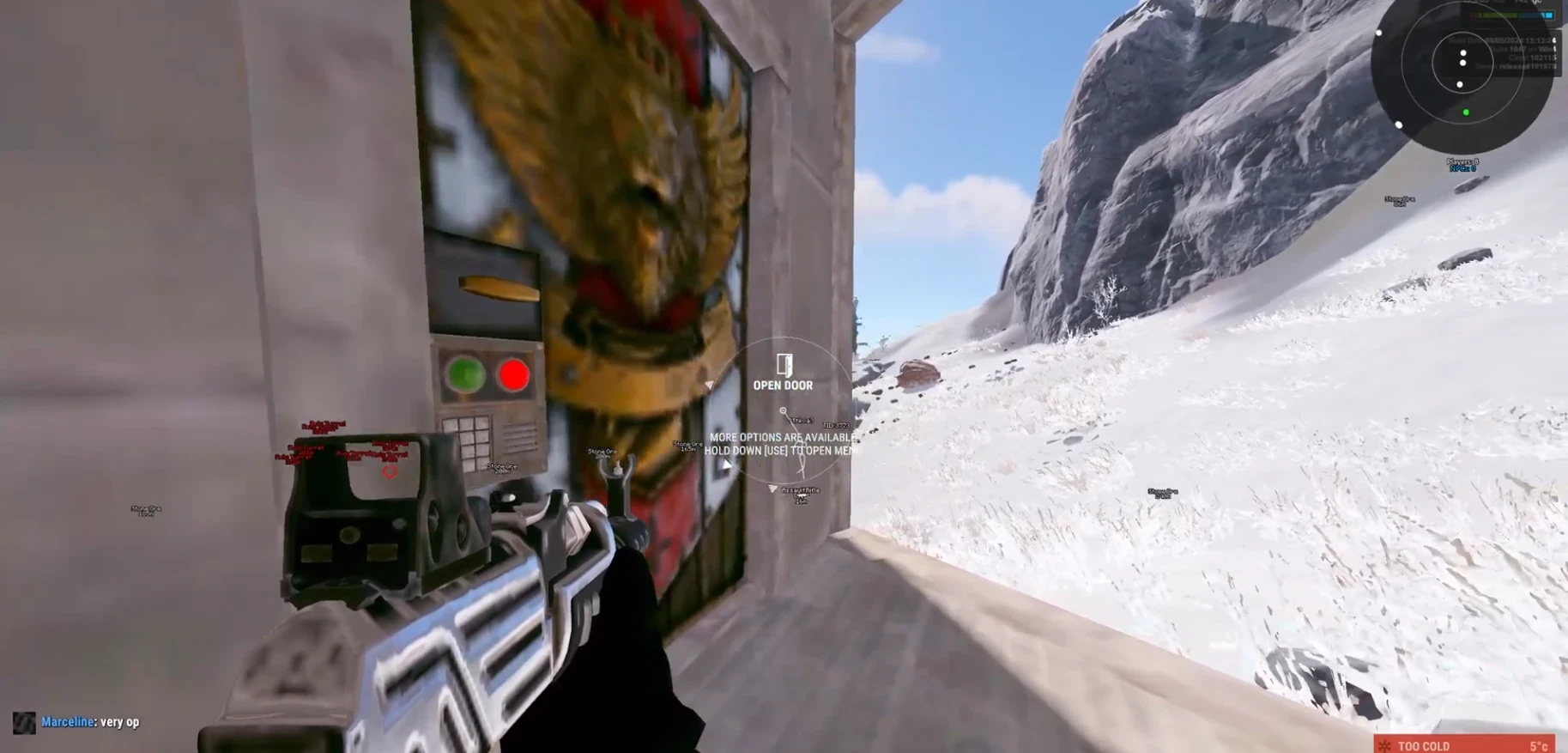
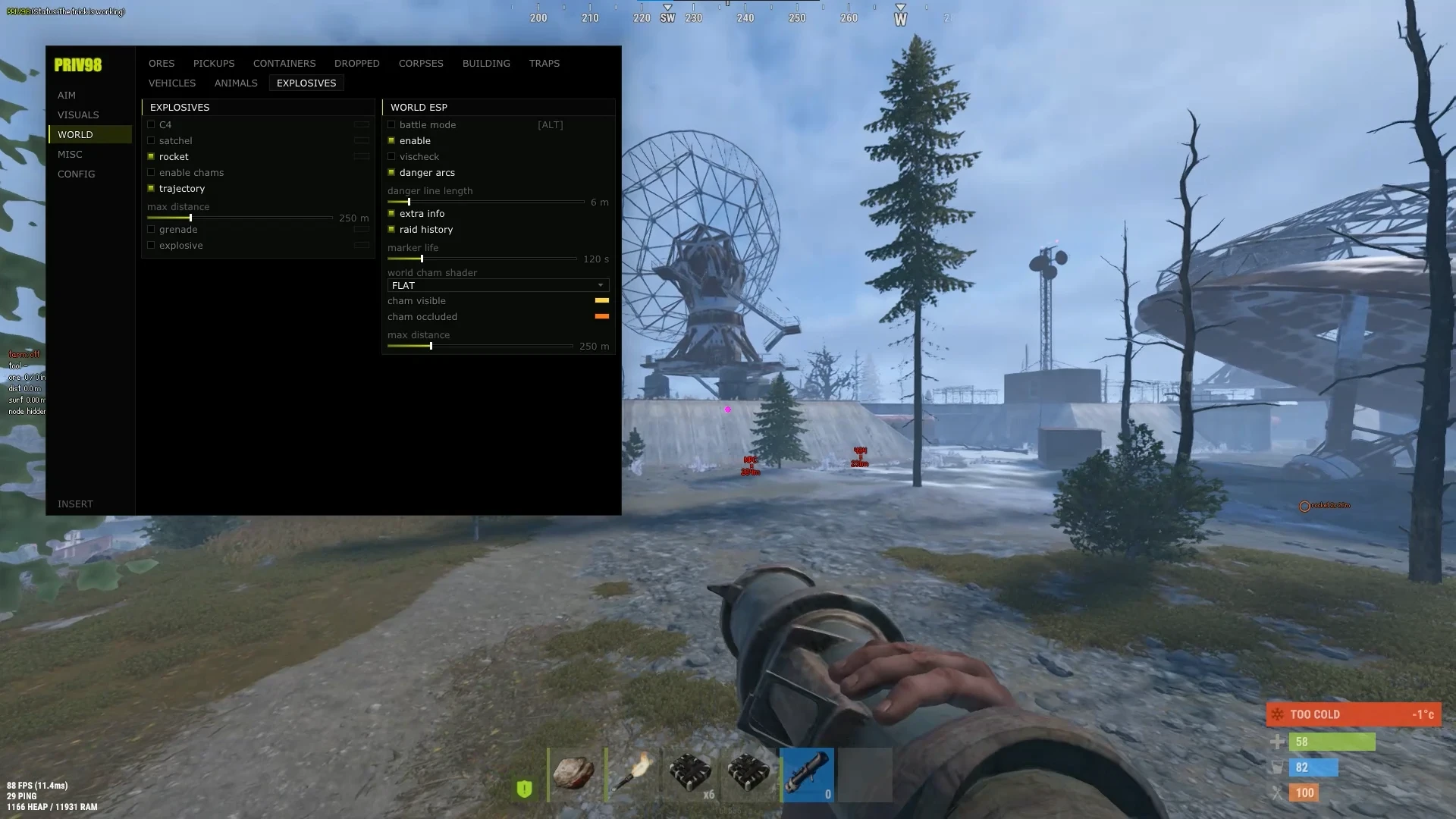
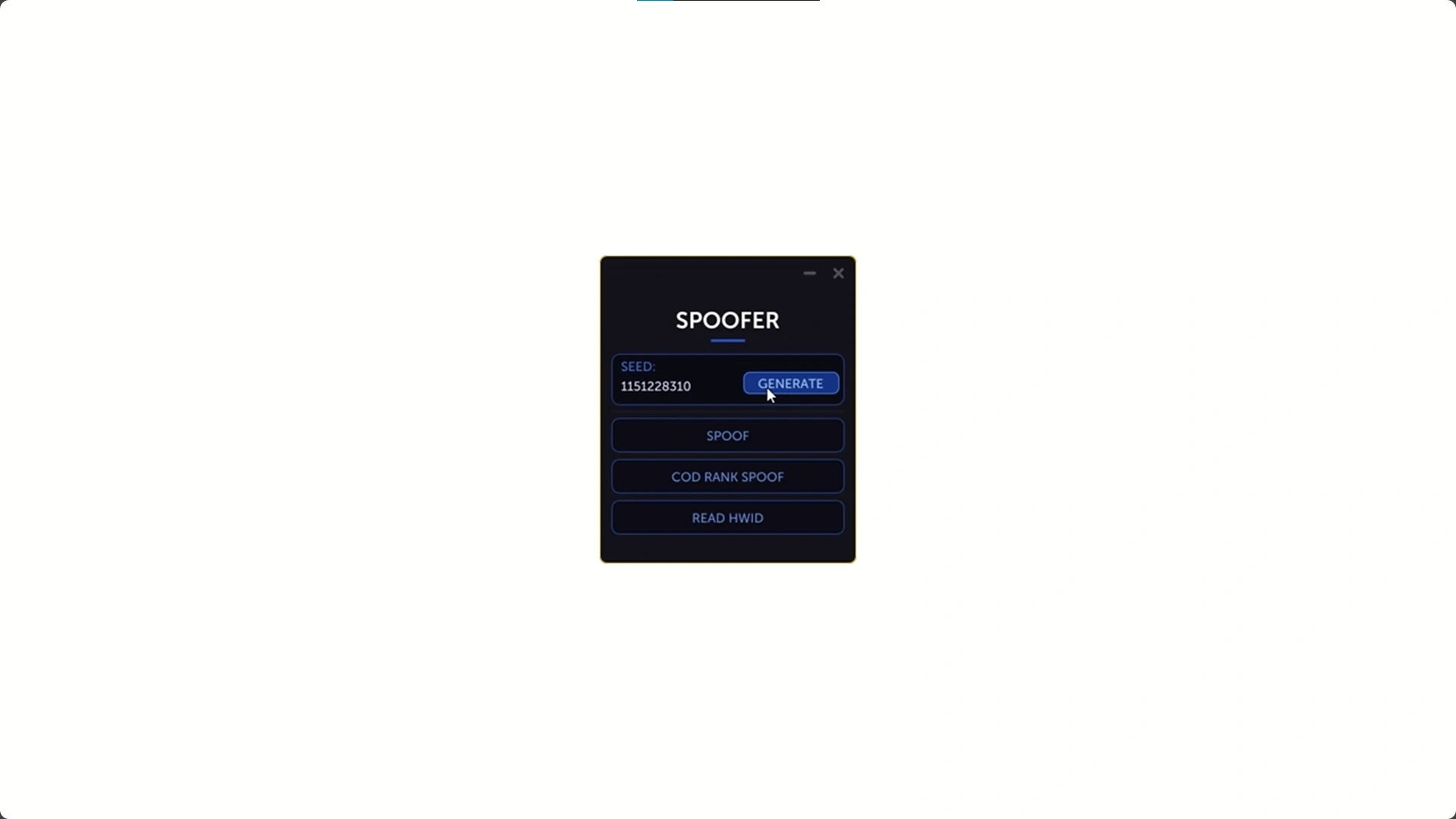
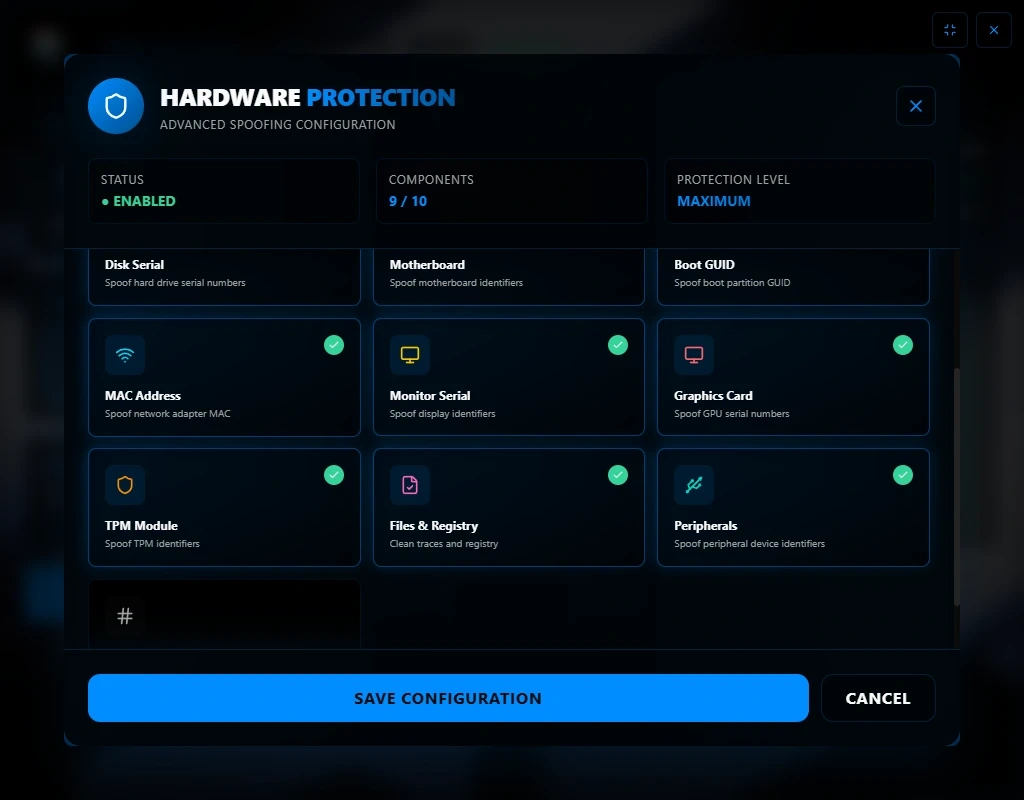
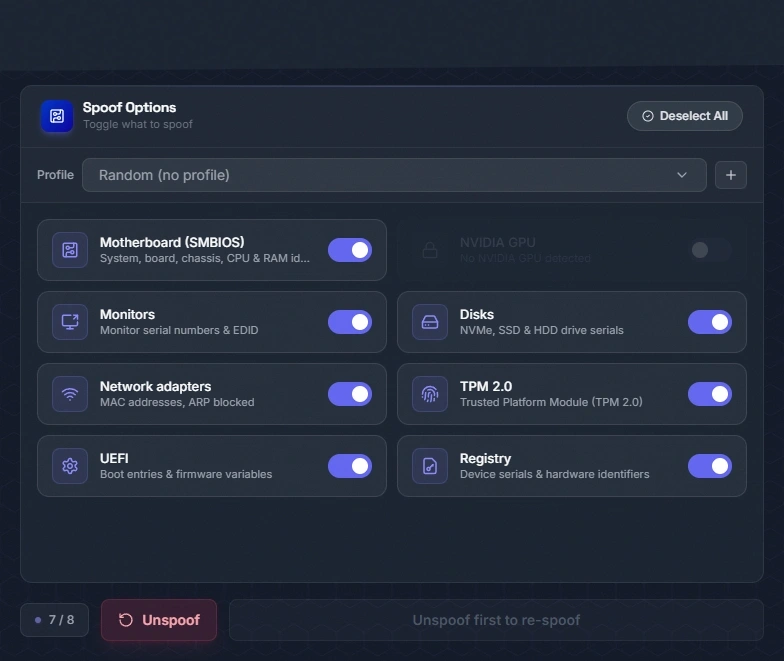
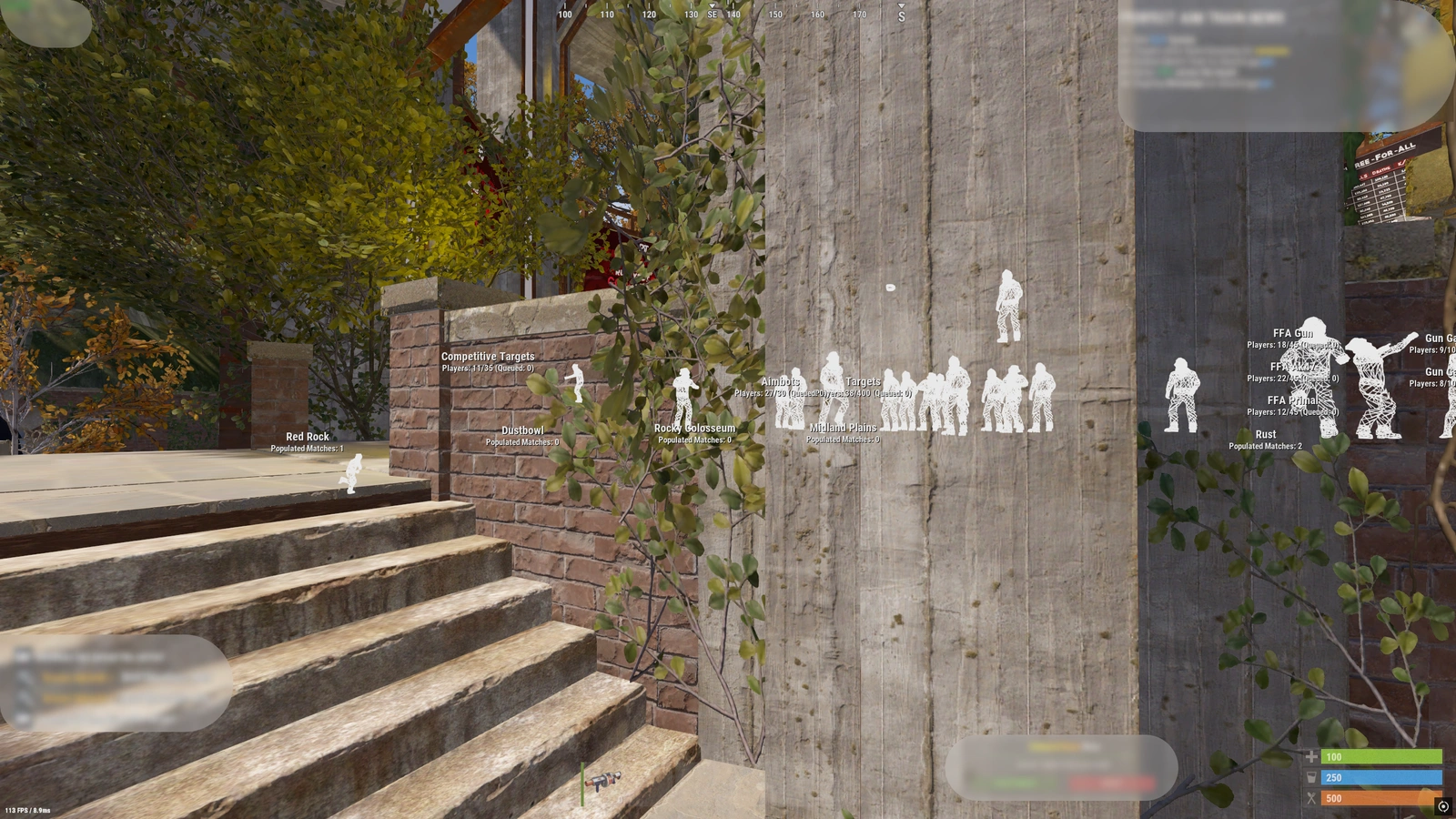
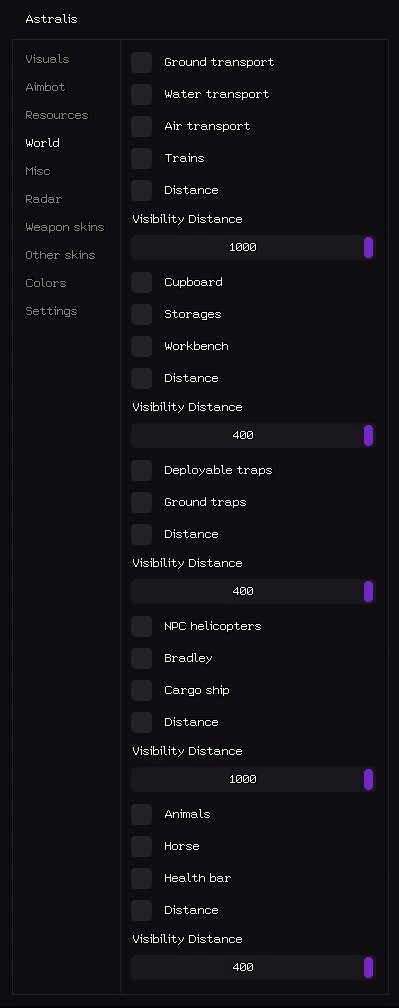
Disconnect Rust Internal is one of the Rust listings available through NFARUST. Read its own feature description rather than assuming every product includes the same tools. The catalog contains ESP-focused options, broader software packages, scripts and radar listings. Player visuals, aim settings, resource information and other functions vary between products. The screenshots and feature list above describe this particular listing.
Compare requirements before choosing access
Check the operating system, processor, display mode and any USB or other hardware requirement stated for this product. Internal and external product labels do not by themselves confirm compatibility with your computer. If a requirement is unclear, ask NFARUST before ordering. Product-specific instructions take priority over assumptions based on another Rust listing.
Daily, weekly and monthly plans
Available durations are shown in the variant picker above. Some products offer additional periods or lifetime-labelled plans; only the periods actually listed for this product are available. Compare the full price for your chosen duration and review any activation or access conditions. The final checkout total may depend on the cart and payment method. Check the current listing for stock instead of relying on an older screenshot or advertised starting price.
Product status and updates
Review the product’s current status before buying and check the NFARUST status page if you need to compare listings. A status label is a published product update, not a guarantee of future compatibility or freedom from restrictions. Game and software updates can affect availability. NFARUST support can clarify the information currently provided for a listing, but you should not assume an update time that has not been stated.
Delivery and eligible 5% bundles
After payment, consult the order page and delivery email for the key or instructions supplied with your purchase. Eligible Rust software products display bundle offers for Cipher, Stealth or Reported spoofers beneath the purchase controls. Add a qualifying pair together and confirm the 5% saving in the cart. Review compatibility for both products separately; a bundle offer does not replace their requirements.
Disconnect Rust Internal — purchasing FAQ
Does every Rust product include ESP, aimbot and radar?
No. Feature sets differ. Read the description of the exact product; software packages, scripts, ESP-focused products and radar listings are separate options.
Where can I see current prices and access periods?
Use the variant picker on this page to select an available duration. Review the selected plan and final checkout total before payment.
Is an Undetected label a permanent guarantee?
No. It is a published status label and can change. It does not promise permanent compatibility or an outcome for any particular account or system.
How do I receive my purchase?
Use the order page and delivery email after payment for the supplied key and instructions. Delivery requirements depend on the product and any supplier availability.
Where can I get help?
Join discord.gg/nfas with the product name and, for an existing order, the order reference. Keep delivered keys and private account details out of public messages.
Log in to your account

No matches here — press Enter to search everything.
Type to search products.